
Sessions
The Sessions page provides a real-time view of all active client connections to your streams. It helps you monitor viewership and identify connection details for each user.
Session Table Fields
Section titled “Session Table Fields”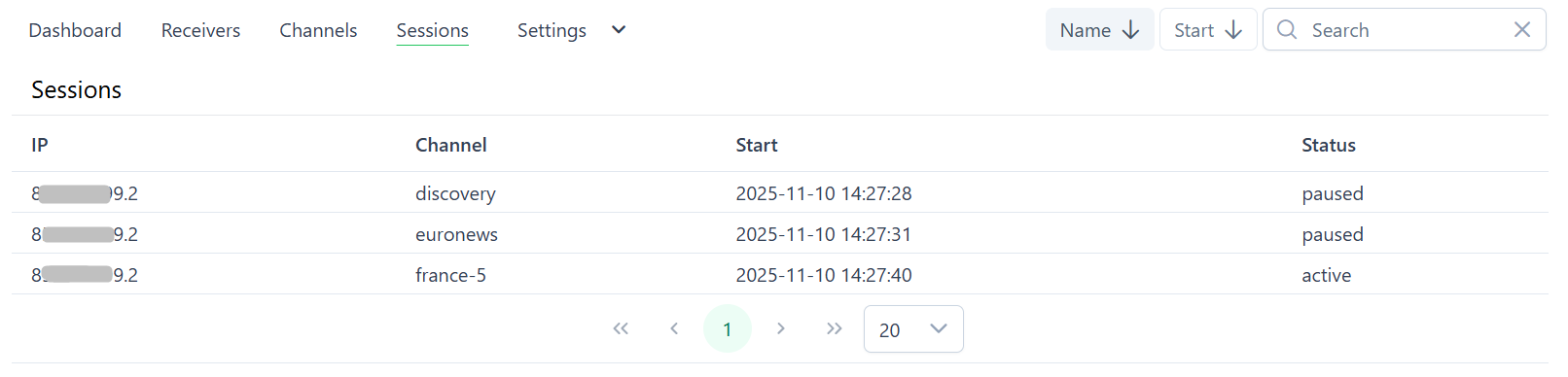
The sessions list displays the following information for each connection:
- IP: The IP address of the connected client.
- Channel: The name of the channel the client is watching.
- Start: The date and time when the session started.
- Status: The current state of the session, for example
activeorpaused.